
Error resolution guide
Please use the error resolution guide below:
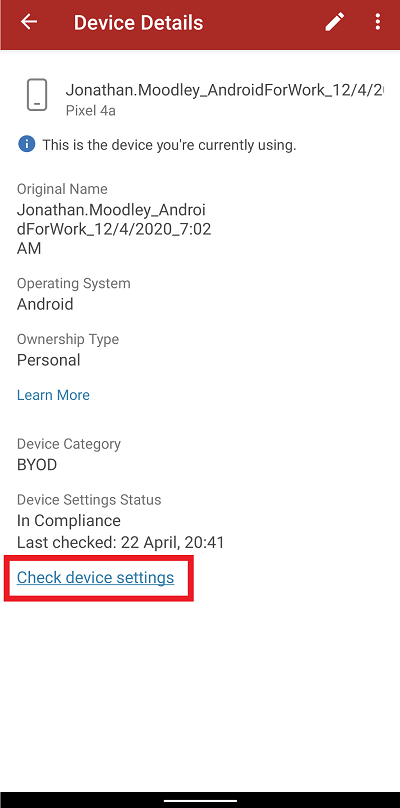
Click on “Check device settings.” Allow app to sync.
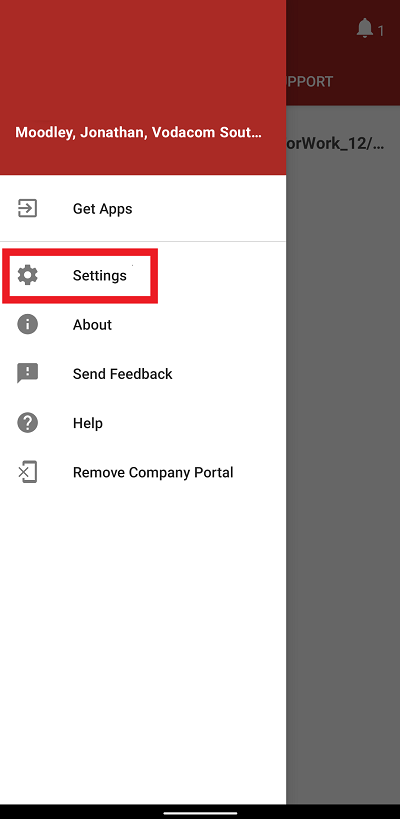
Click on the burger menu on the Company Portal home page and access “Settings”.
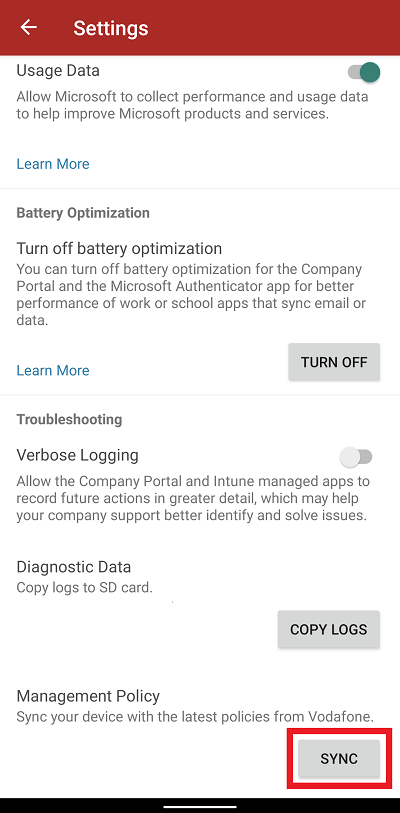
Click on “SYNC” and allow a few minutes for the app to sync before opening Engage again.
If the problem persists please contact eeappsupport@vodacom.co.za
-
4
-
5
-
6